
Add a client
Save clients once, reuse them on every invoice.
1 min · 3 steps
- 1
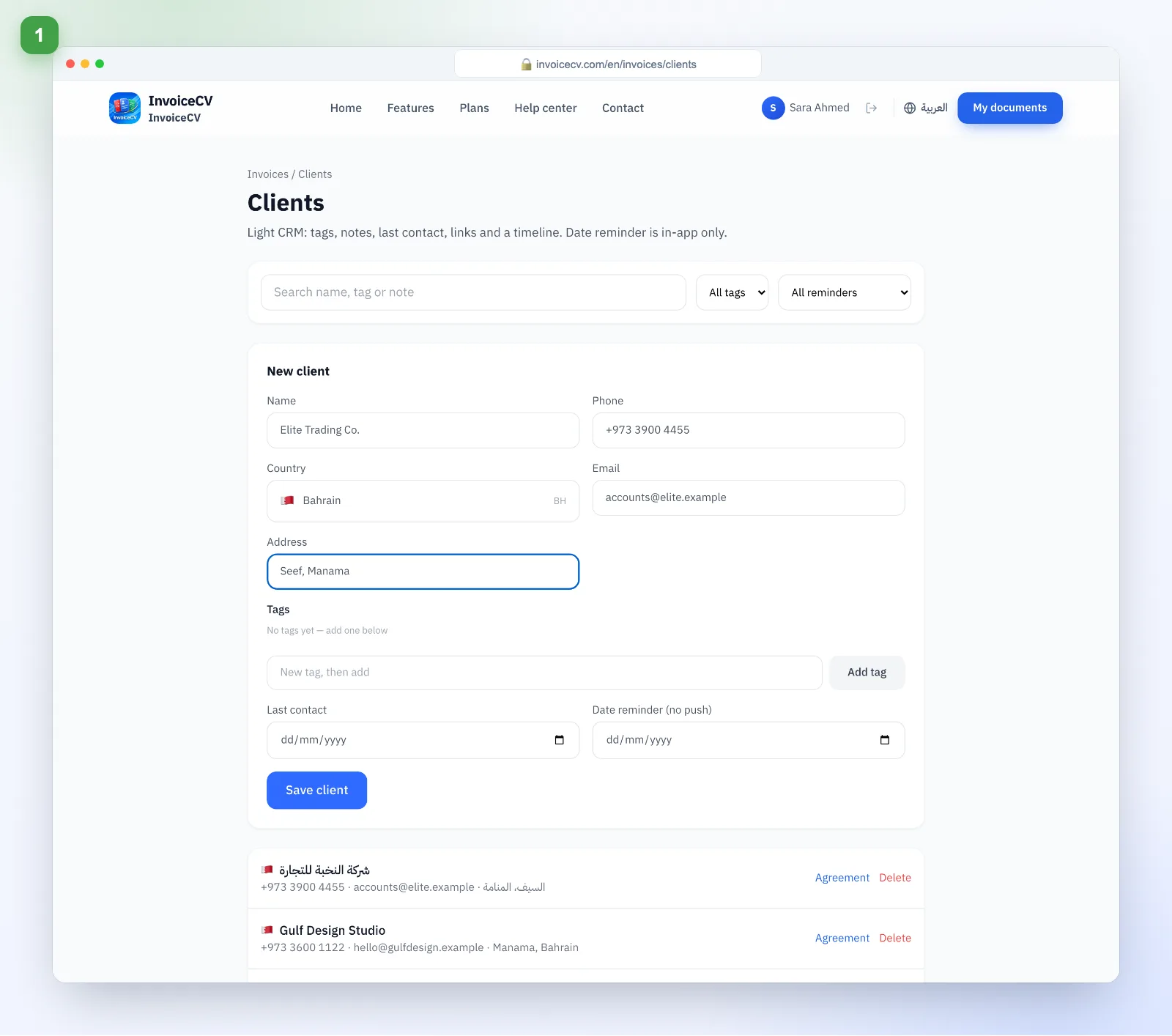
Fill in client details
In “Clients” enter name, phone, email and tax number.
- 2
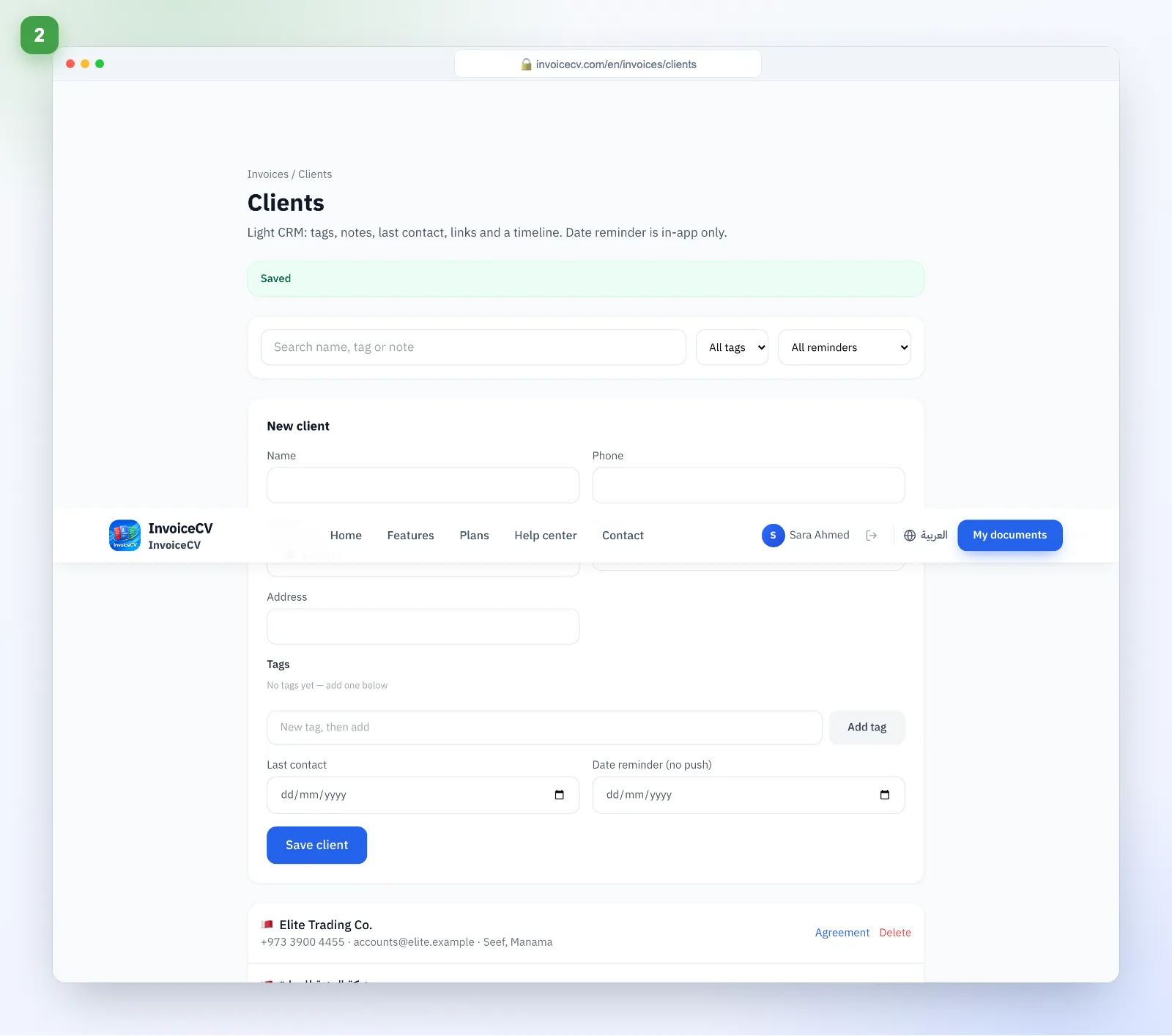
Save
The client appears in your list, ready for invoices.
- 3
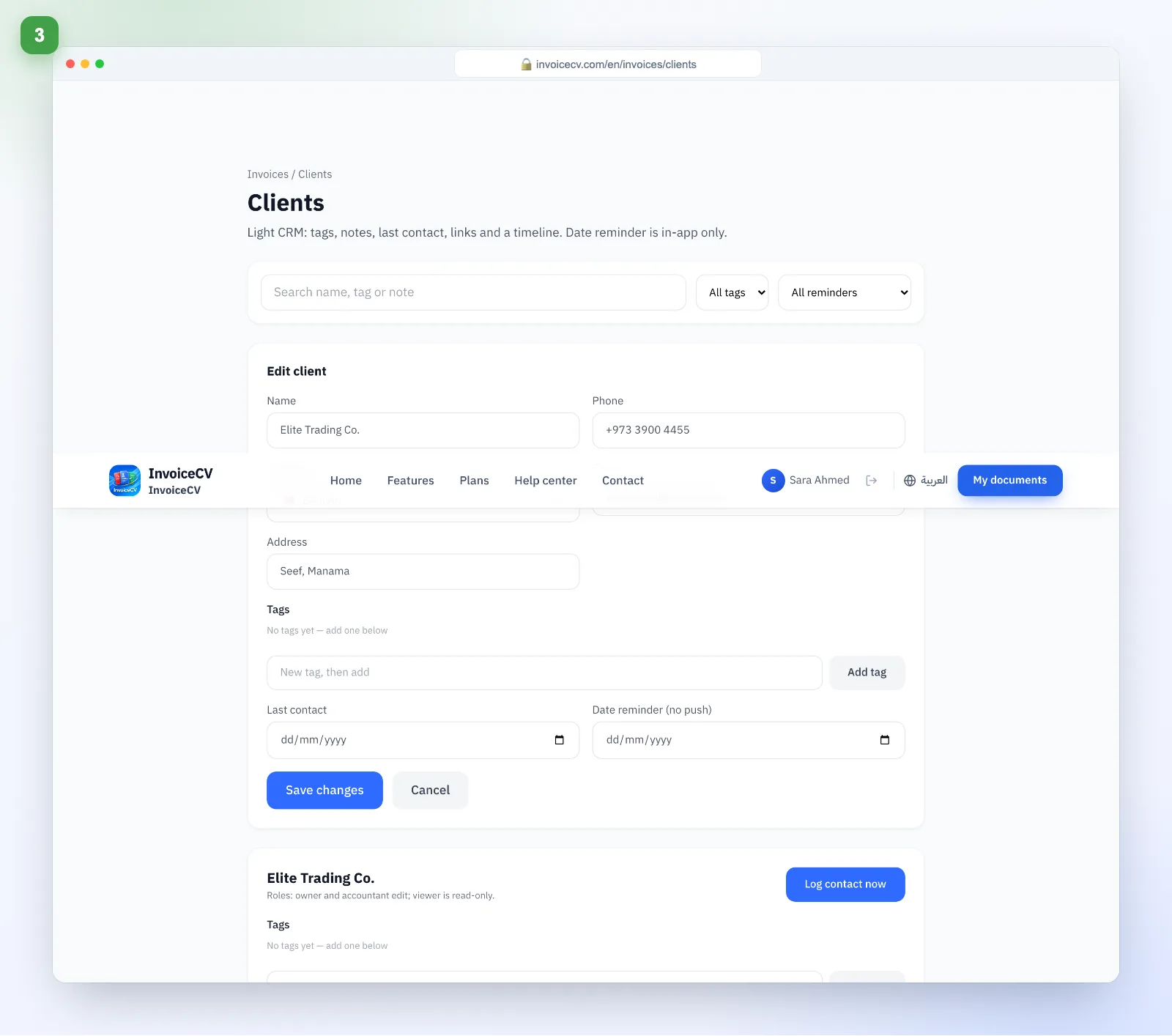
Track the client
Open a client to see their invoices, quotes and balance.
Ready to start?
Open clients