Choose a template
Invoice templates are open to all; some CV templates are Business-only.
2 min · 4 steps
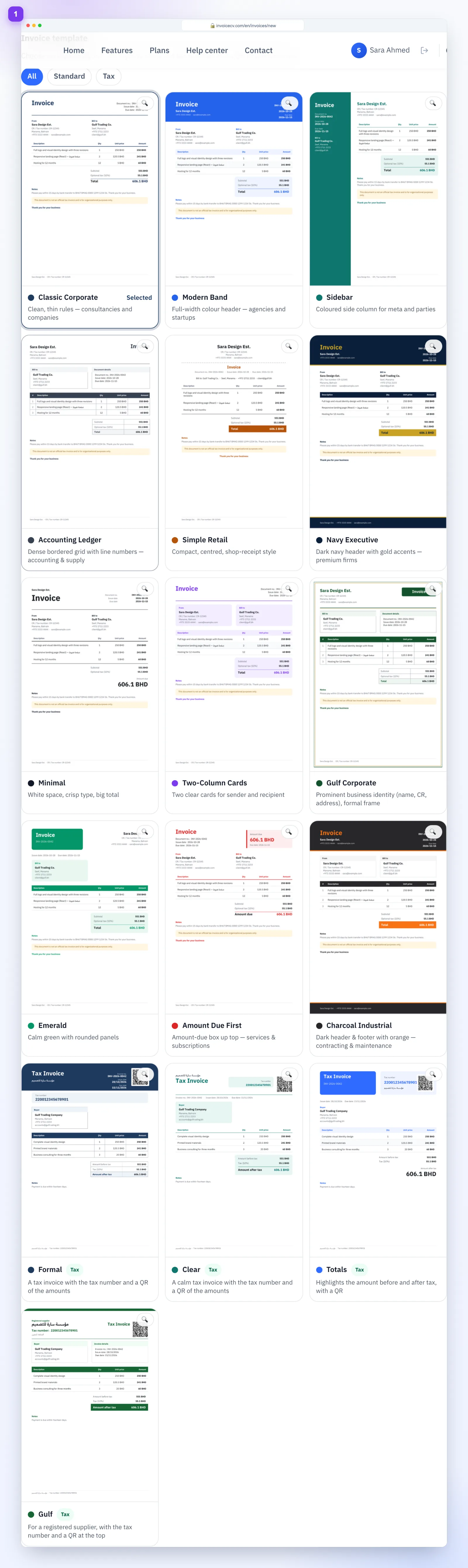
- 1
Invoice templates
In the Preview step every template is shown — pick one.
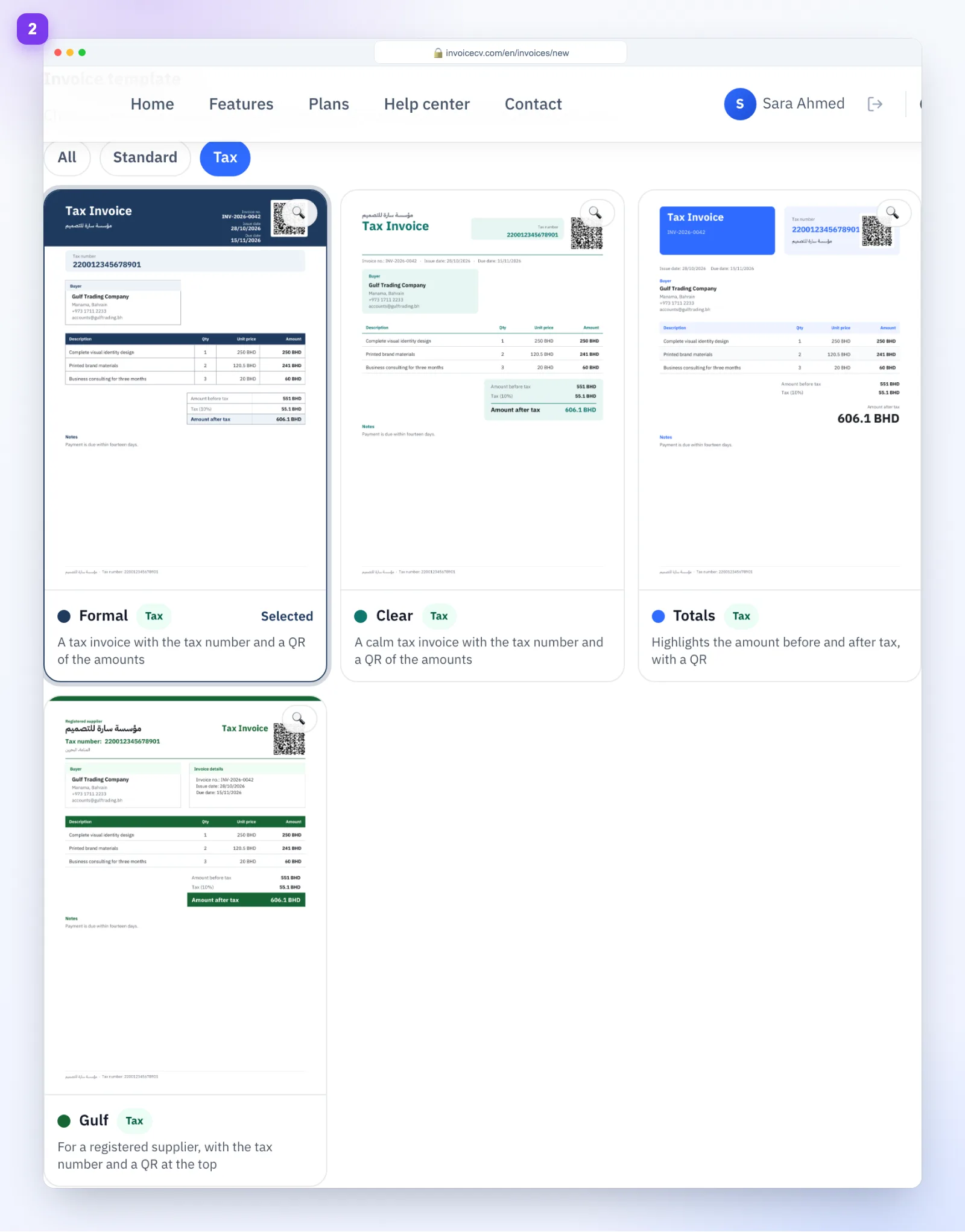
- 2
Filter tax templates
Choose “Tax” for templates with a tax ID and QR code.
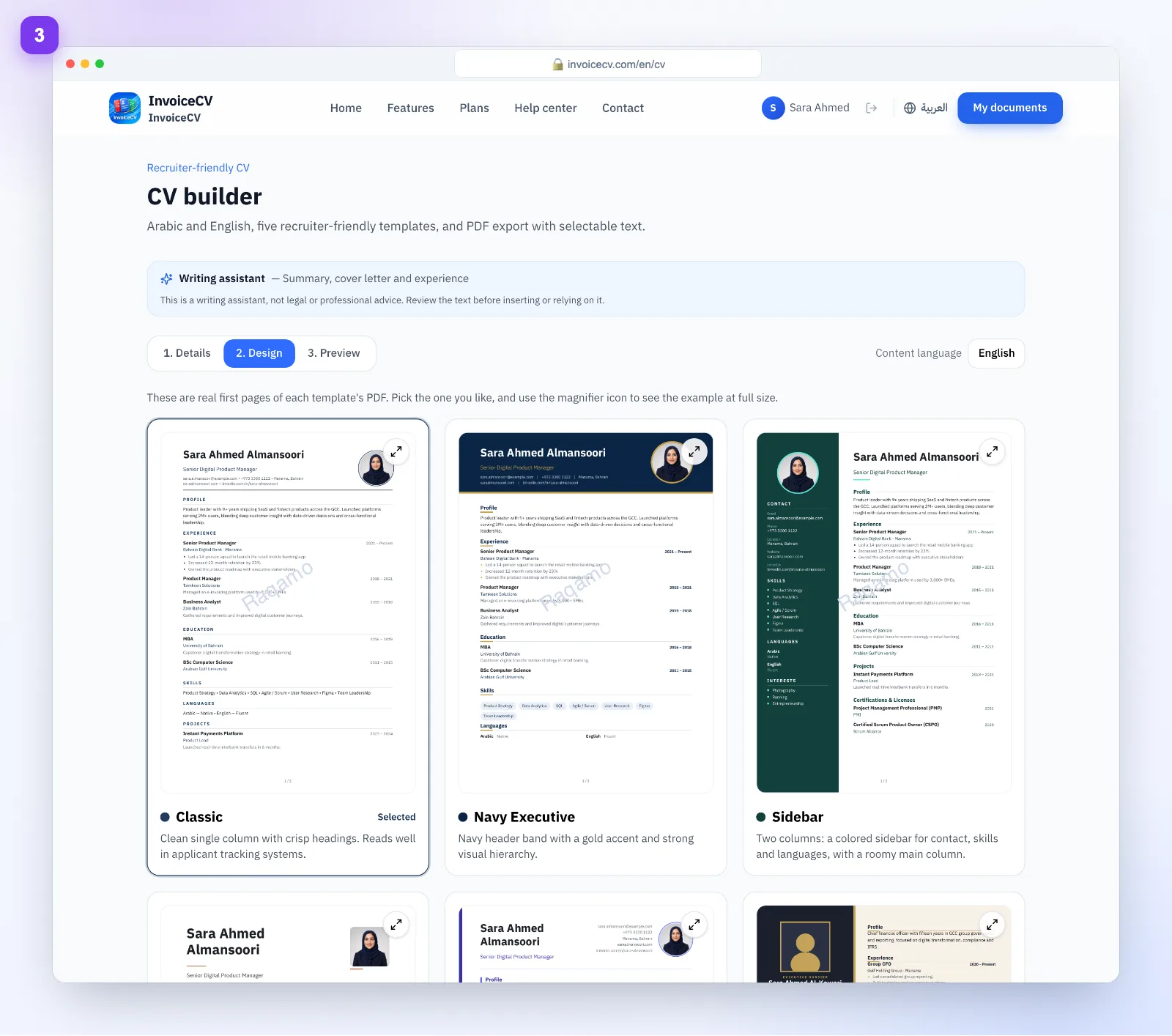
- 3
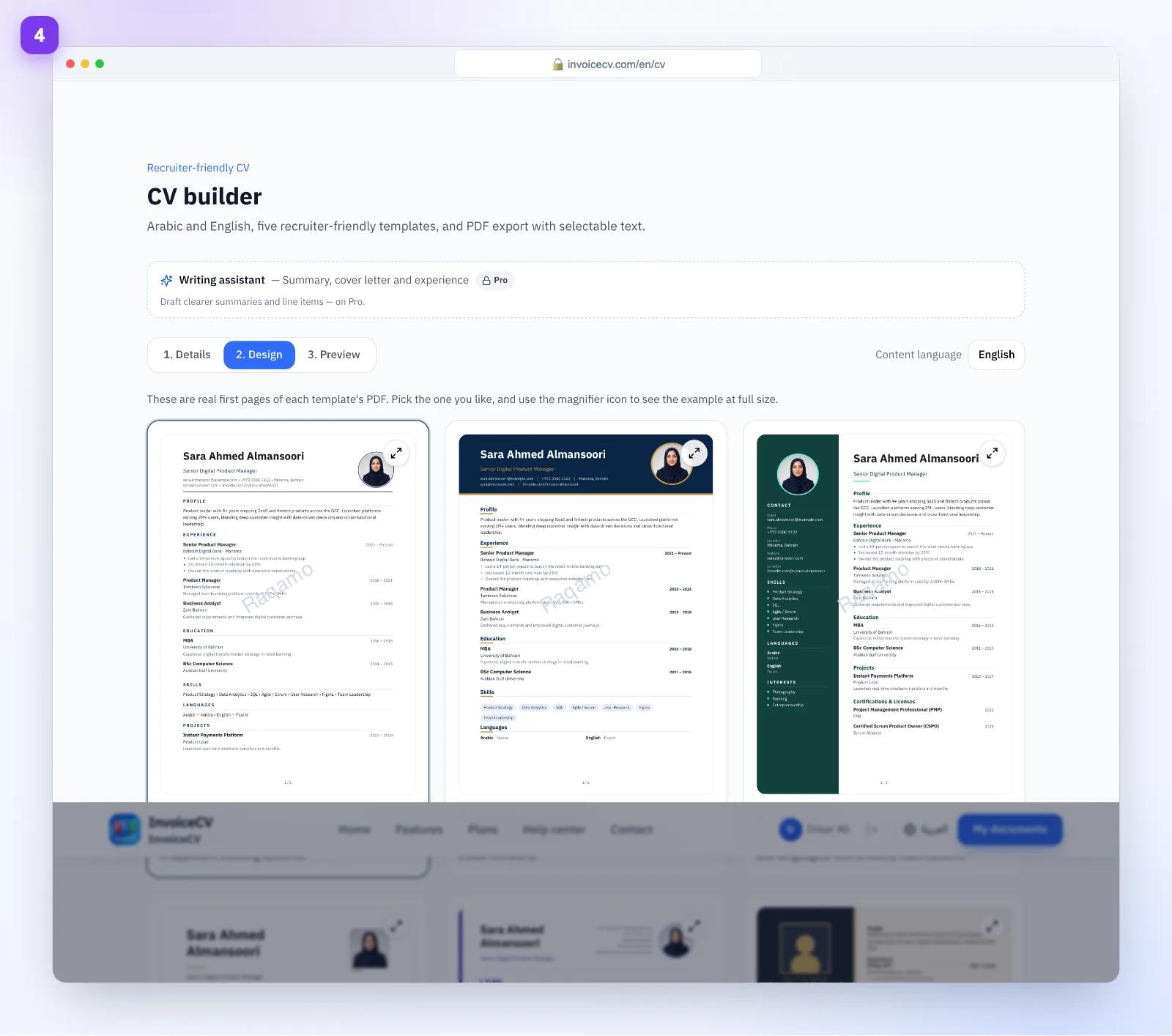
CV templates
From the “Design” tab of the CV builder.
- 4
Exclusive templates
Templates marked “Business exclusive” need the Business plan.
You can upgrade right from the template sheet.
Ready to start?
Try templates